
Open source · macOS · Apache 2.0
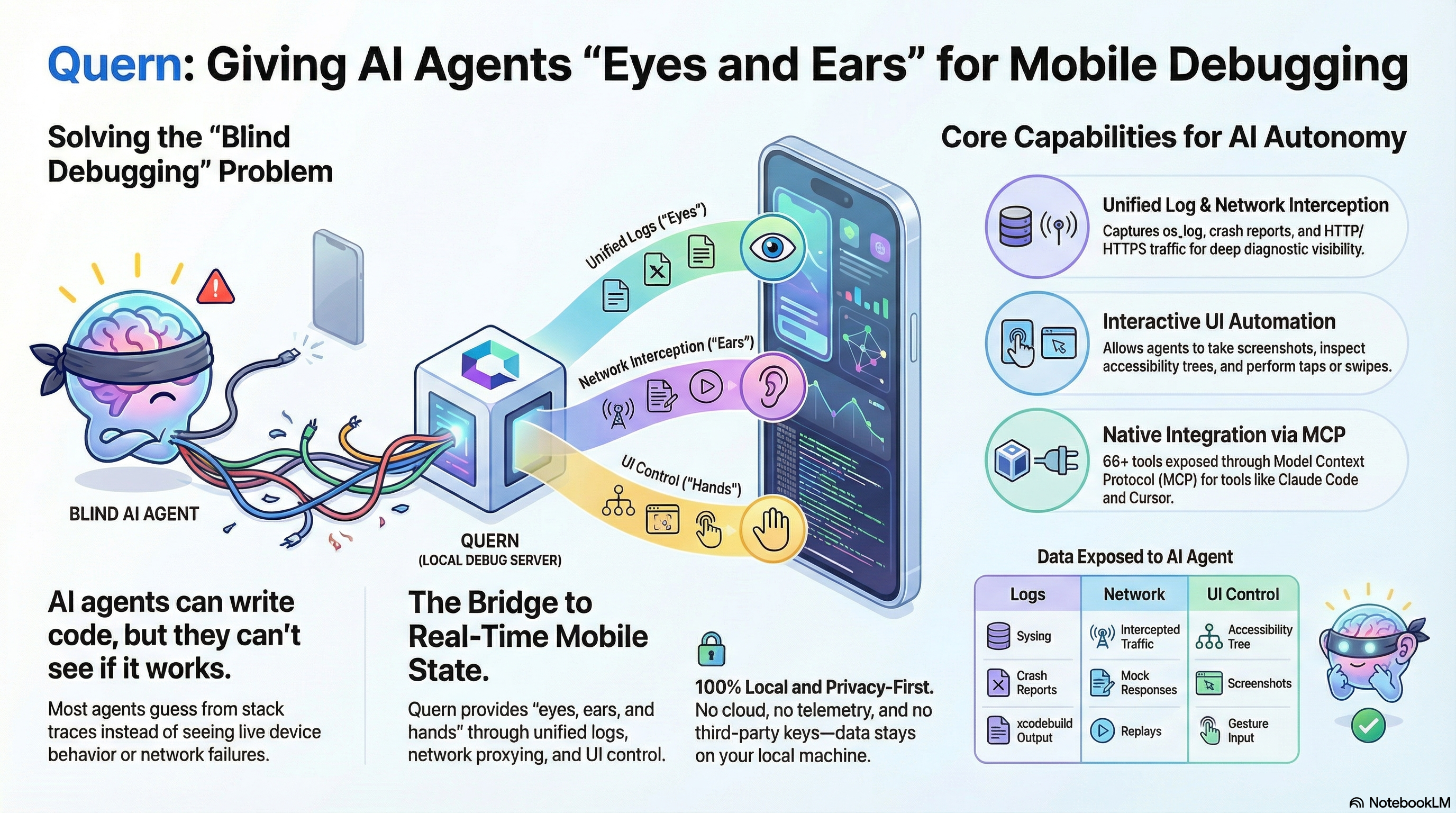
A local debug server that gives AI coding agents live access to your iOS simulators, Android emulators, and physical devices — logs, network traffic, screenshots, and UI control. No cloud. No telemetry.
curl -fsSL https://quern.dev/install.sh | bash Screenshots, UI accessibility trees, screen summaries, and annotated overlays. Your agent sees exactly what's on screen.
Real-time logs, crash reports, build output, and full network traffic capture. Every signal your app emits, captured.
Tap, swipe, type, boot simulators and emulators, install apps, and intercept or mock HTTP traffic. Full control over the runtime.
Quern runs as a local server on your Mac. It connects to iOS simulators and Android emulators via their native toolchains, and to physical devices over USB. It captures logs and network traffic through lightweight adapters, and exposes everything as MCP tools that AI coding agents can call directly.
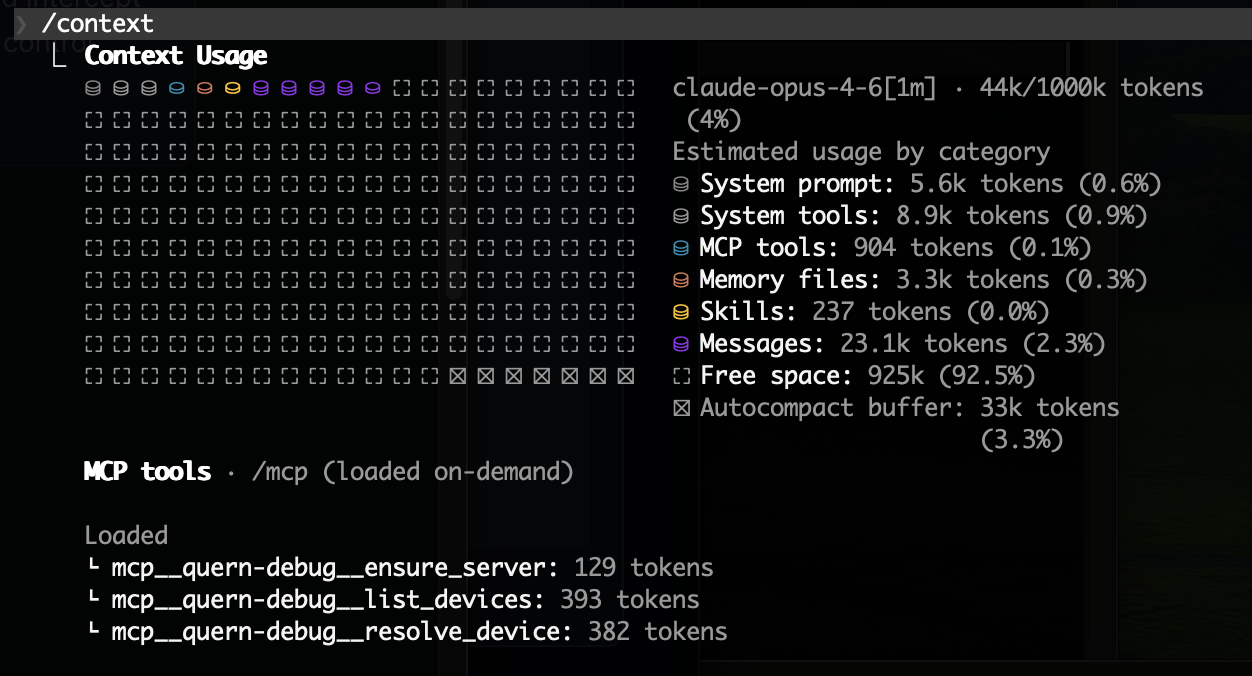
76 MCP tools across 11 categories, lazy-loaded so they don't bloat your context window. Works with Claude Code, Cursor, and any MCP-compatible client.
The install script detects your platforms and sets up everything automatically.